M3U Player
for iPhone & iPad.
Add, view, and organize your own remote M3U playlist on iPhone and iPad. IPTV Pro supports live TV, compatible VOD entries, favorites, category control, Continue Watching, and supported movie downloads.
Built for Mobile Streaming.
Keep large M3U libraries easier to browse on iPhone and iPad.
M3U Playlist Import
Add a remote M3U playlist URL from your provider and organize the resulting live channels and compatible VOD entries in a native Apple interface.
Continue Watching
Pick up supported movies from saved progress instead of starting over.
Offline Downloads
Download supported VOD movies from your source for offline viewing.
Category Control
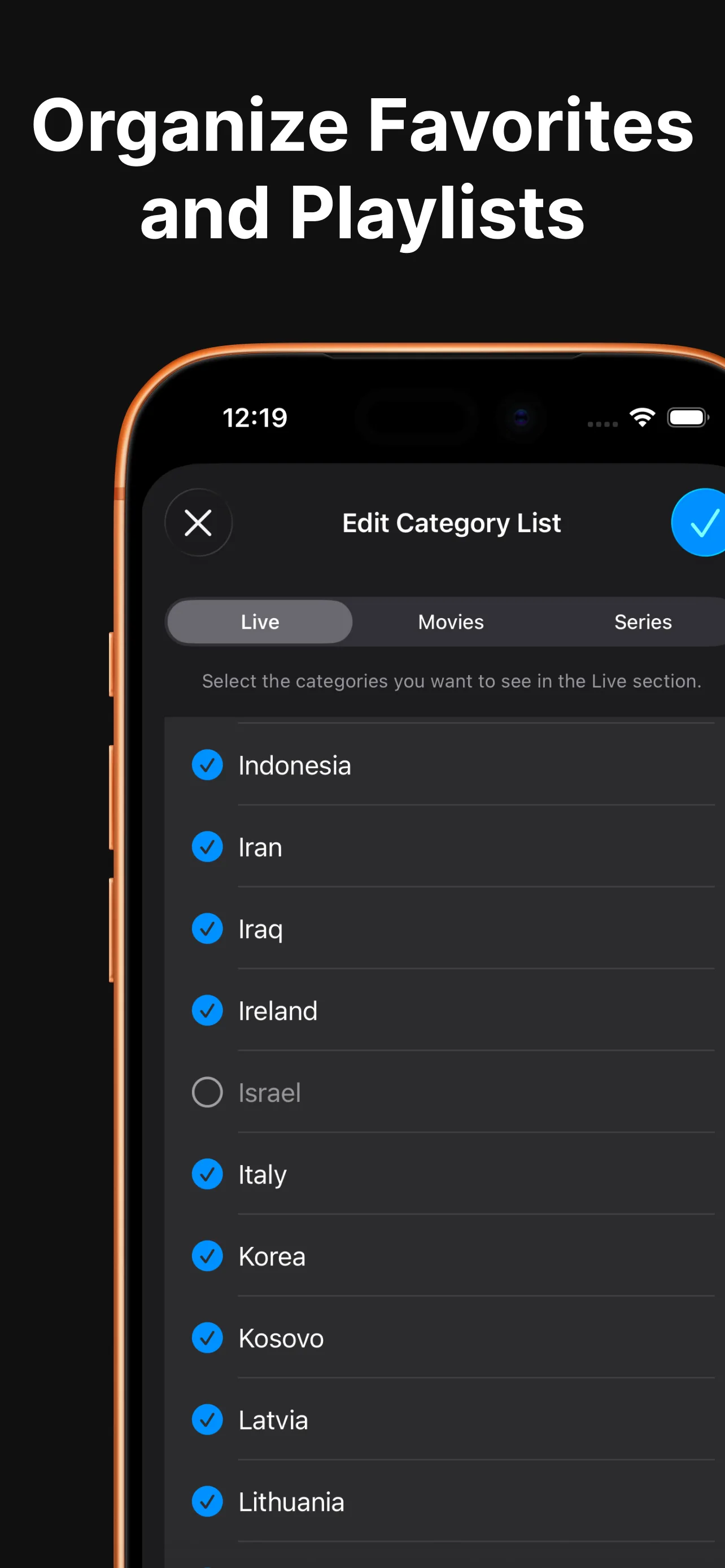
Clean up messy playlists. Hide unwanted categories, filter by country or language where available, and keep navigation focused on what you watch.
iOS Layout Gallery
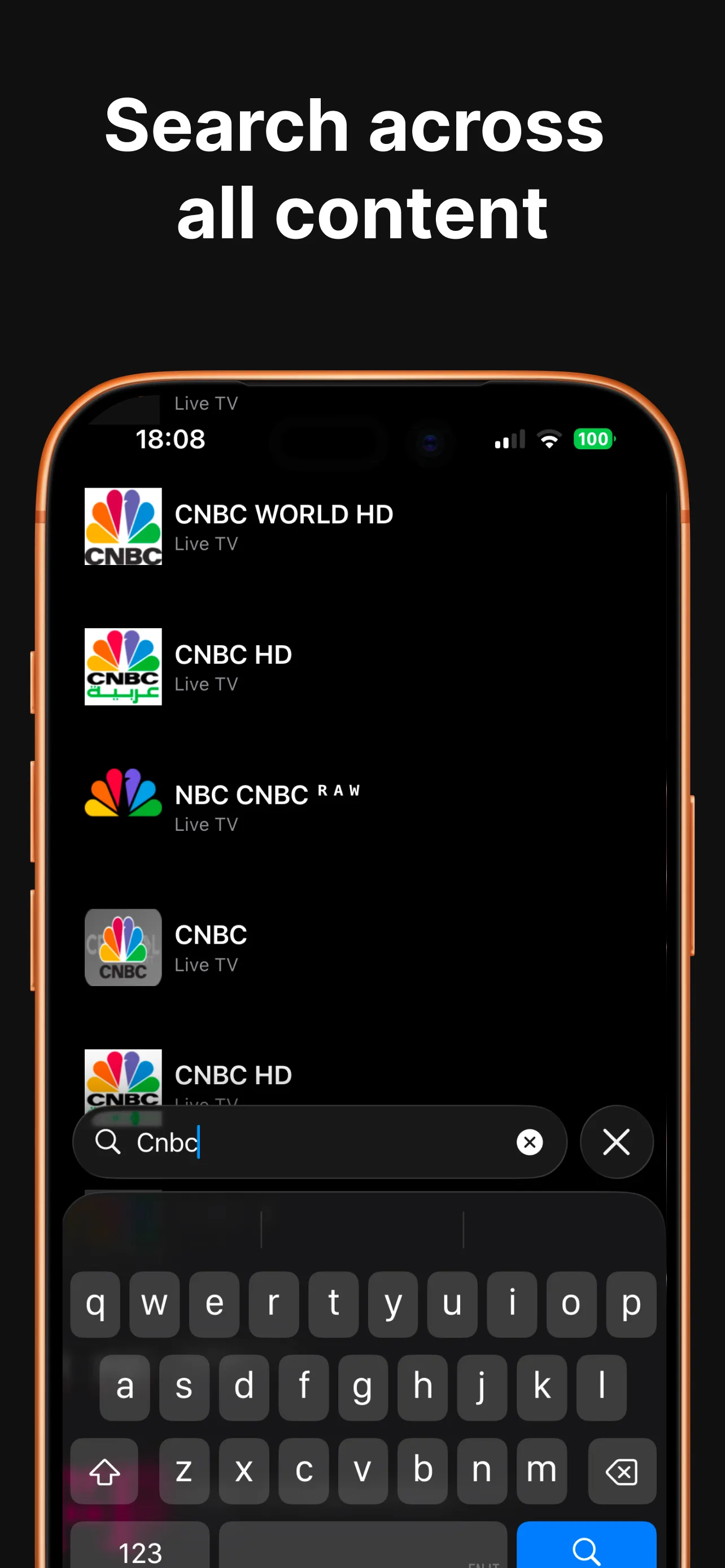
Explore how favorites, playlist organization, and search look on iPhone and iPad screen sizes.
M3U Player iPhone FAQ
What is an M3U playlist and how does it work?
How do I add an M3U URL link to IPTV Pro on iPhone?
Can I import local .m3u files from the Files app?
Does IPTV Pro work across Apple devices?
Your M3U Playlist,
Organized.
Download IPTV Pro for iPhone and iPad, then add your own legal M3U source.
* IPTV Pro is a player app and does not provide channels, media, playlists, or subscription providers. Please obtain legal M3U playlists or Xtream Codes credentials before configuring playback.